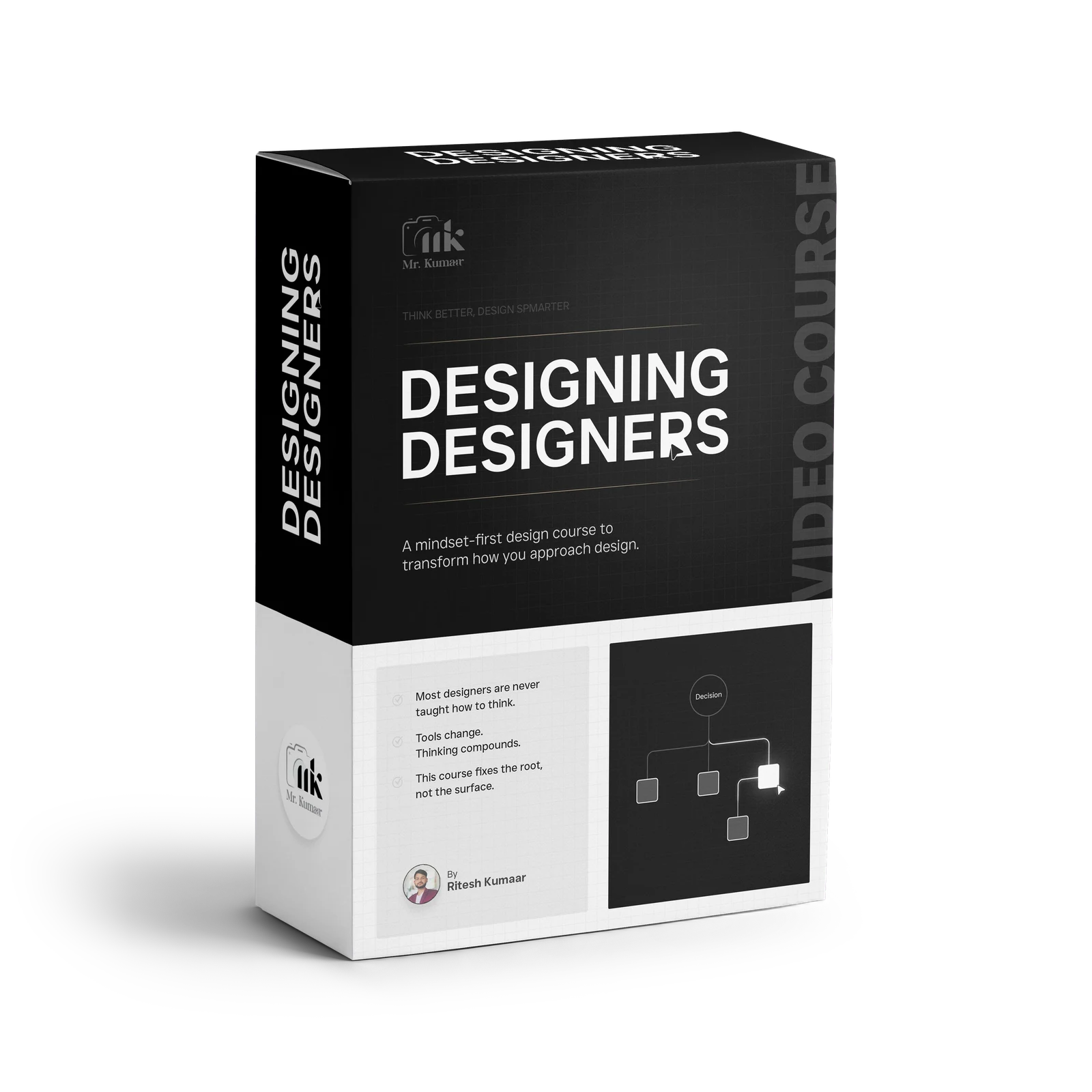
Designing Designers
Learn to Design
Make confident design decisions with a repeatable thinking framework (not a tool tutorial).
Get instant access
By Ritesh Kumaar — Creative & Product Design Lead | 10+ years
You’re stuck because you don’t have a decision process—so you loop, second-guess, and lose control.
You can make things look good… but you’re not sure why they work
You keep exploring because nothing feels “right”
Feedback throws you off direction
You jump between tools, trends, and references just to feel confident
You finish projects—but you don’t feel in control of the result
If that’s you, you don’t need more inspiration.
View curriculum →
Indecision doesn’t just slow you down. It drains your confidence.
No process = redesign loops + confidence collapse.
You redesign the same section 10 times.
You over-style to hide uncertainty.
You depend on tools to “save” the work.
And you start believing your best work was luck.
Design should feel intentional. Not exhausting.
By the end,
Spot good (and bad) design in the real world—and explain why
Build layouts with hierarchy, spacing, alignment, and contrast
Make typography choices with logic—not guessing
Edit your own work: what to keep, remove, simplify, and emphasize
Design for outcomes: clarity, usability, trust, and conversion
Follow a practical growth sequence—from observation to decisions to outcomes.
See → Understand → Decide → Outcomes
Ritesh Kumaar
Creative & Product Design Lead | 10+ years
Motion + product systems Hierarchy + typography UX + conversion clarity
I design across motion, UI/UX, and product systems—helping people understand what they’re seeing and act on it.
Here’s the pattern I kept noticing: designers rarely lack talent — they lack a repeatable way to see, decide, and explain.
Designing Designers is the thinking framework I wish I had earlier. It’s a process you can repeat on any project, so your work becomes clear, consistent, and confident.
My role here isn’t to teach software or styles. It’s to help you observe, structure, and make confident design decisions—across posters, apps, decks, and interfaces.
What you’ll learn from my approach
How to follow a repeatable decision order (so you always know the next step)
How to use typography + hierarchy to communicate (not decorate)
How to reduce redesign loops by building clarity before you start designing
How to design for outcomes like trust, usability, and conversion
Observation: Learning to See
Train your eye to notice structure, intent, and patterns before designing.
Diagnose what’s working (and what isn’t) in seconds.
Visual Grammar
Hierarchy, spacing, alignment, balance, contrast—your core layout rules.
Build layouts that read clearly at first glance.
Tools vs Skill
Break software dependency and learn to design before opening any tool.
Know what to do next—even on a blank canvas.
Anatomy of a Design
Grid, structure, flow, entry points, emphasis, and editing—how real designs are built.
Create a layout that guides attention with intention.
Output vs Outcome
Design as problem-solving: what the user should feel, do, and understand.
Make designs that support real outcomes—not just aesthetics.
Typography: Hierarchy & Pairing
Readability, tone, scale, rhythm, pairing logic, and common mistakes.
Use typography as structure, not “font hunting.”
Editor Vs Creator
Ownership, decision confidence, and how to defend your work with reasons.
Present work confidently and handle feedback faster.
How you’ll learn
Short lessons + practical exercises (so it sticks)
Observation prompts (train your design eye daily)
Decision-based breakdowns (how to choose, not just what to pick)
Rewatch anytime (so you grow into it)
This course is for you if…
You can make designs look good, but freeze at the blank canvas
You often do 3–5 versions because you can’t tell which one is right
Feedback like “make it pop” or “something feels off” throws you off
You struggle to create clear hierarchy
You want typography choices that feel logical and consistent
You want a process that works across posters, UI, decks, and interfaces
This course may not be for you if…
You only want software tutorials and shortcuts
You’re looking for “copy this exact style” templates
You don’t want to practice and apply concepts
What you’ll be able to do after this course
Turn a blank canvas into a clear layout using a repeatable decision order
Use typography + hierarchy to communicate (not decorate)
Reduce redesign loops by defining clarity before you touch pixels
Explain your decisions confidently in reviews and feedback
Build work that feels intentional, consistent, and outcome-driven
Get access toDesigning Designers
Includes:
7 modules with 30 Topics
Decision-first frameworks
Lifetime access (watch anytime on mobile + desktop)
All future updates (you won’t pay again for improvements)
Frequently asked questions
Do I need to know design already?
No. This is built to train your thinking from the ground up, while remaining useful to working designers.
Is this a tools course?
No. It teaches how to observe, decide, structure, and explain before you work in any particular tool.
How long do I get access?
The course includes lifetime access, so you can return to the framework as your work evolves.
Will this help with UI/UX too?
Yes. The framework applies across interfaces, posters, decks, product screens, and other visual systems.
What if I’m a working designer?
The course helps experienced designers make decisions more deliberately, reduce revision loops, and explain their work clearly.
Is there a refund policy?
Please use the assigned Refund Policy menu link for the current terms before purchasing.
Make your next design decision
Start Module 1 today.