Immediate by design.
Explorer One is built around fast startup, responsive navigation, and keeping work off the critical first screen.
Explorer One · Windows 11
A fast Windows file explorer built around the way you actually work: tabs, dual-pane browsing, whole-PC Quick Search, preview, and familiar Shell behavior.

Explorer One is built around fast startup, responsive navigation, and keeping work off the critical first screen.
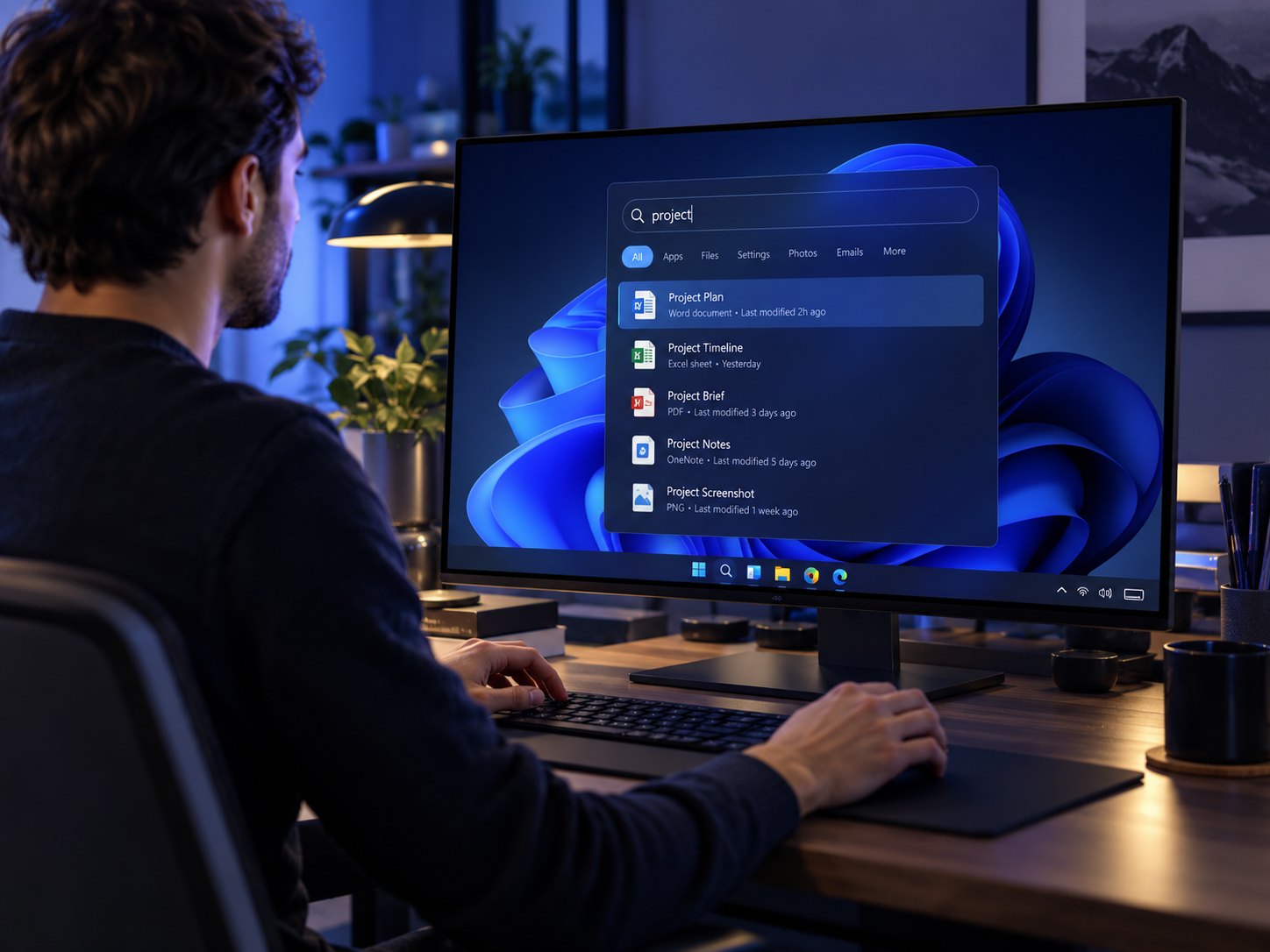
Quick Search is global to the entire computer, so your current location never limits what you can find.
Native Shell drag-and-drop, taskbar activation, and expected desktop interaction remain part of the experience.
Explorer One keeps navigation, inspection, search, and movement inside one focused workspace instead of forcing you through disconnected tools and windows.

Keep multiple locations open, compare folders side-by-side, and move between working contexts without multiplying windows.

Preview files while keeping your place in the folder. The surrounding context stays visible, so checking a file does not become another detour.
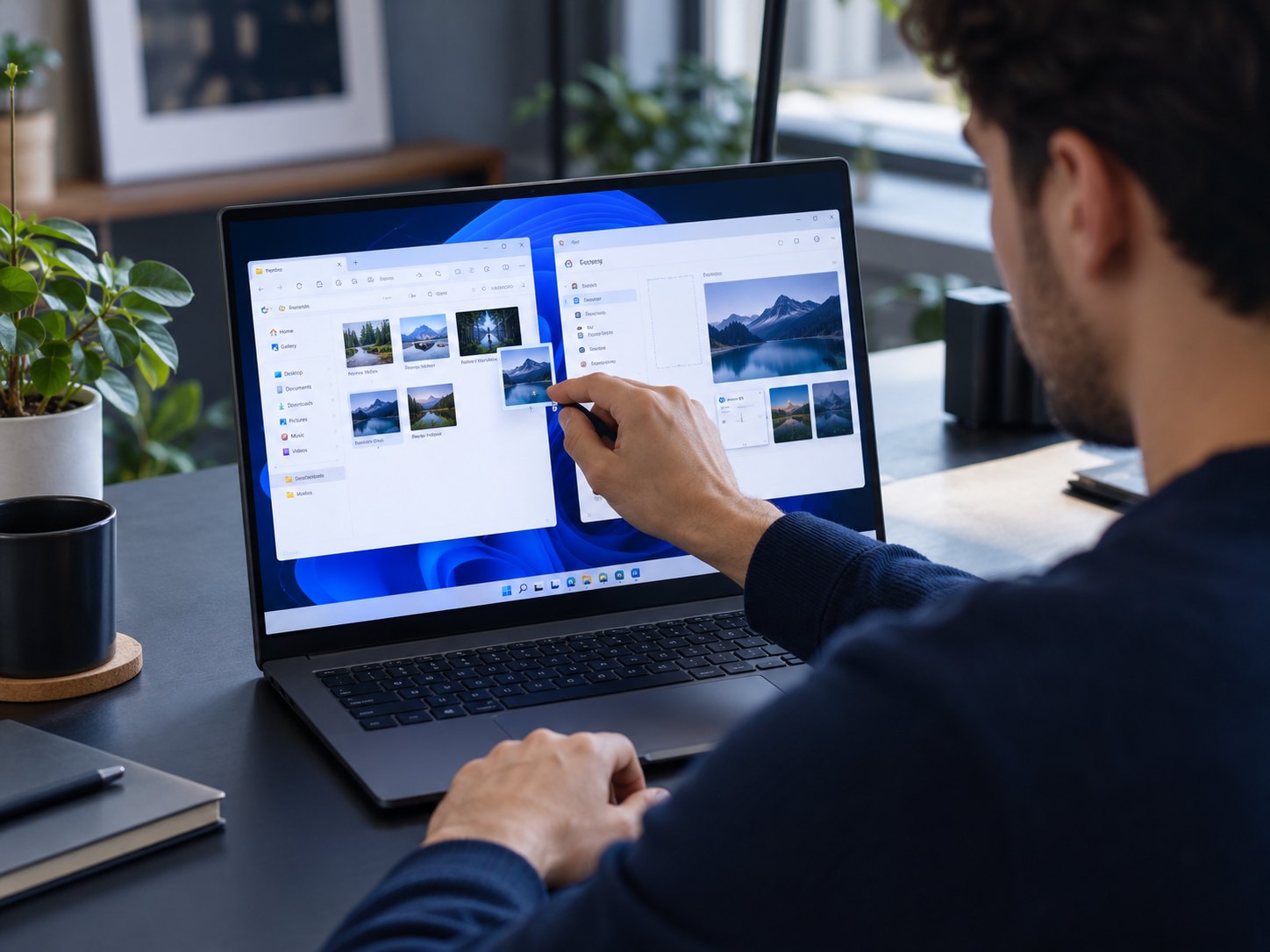
Explorer One preserves standard Windows Shell drag behavior, including hovering over taskbar apps to bring the target forward without ending the drag.
Quick Search
Double-tap Alt and search beyond the folder you are looking at. Explorer One can surface files across the computer alongside apps, settings, commands, calculator results and conversions.
Windows-native where it matters
Explorer One changes the file-management experience without discarding the Windows behaviors people already depend on.
Standard drag payloads and taskbar hover-to-raise behavior are deliberately preserved.
The dropdown stays attached through resize, maximize, restore, and DPI/window-state changes.
Shared modal chrome, motion, focus handling, and flash-free first paint keep the app coherent.
Background work is kept away from the critical first-screen path wherever architecture allows it.
Explorer One · Private Beta
Explorer One is being built as a fast, focused Windows 11 File Explorer alternative by DgLogiQ.